


















































The streaming platform Netflix is one of the most popular services in the world for watching movies, series and exclusive shows. To get unlimited access to a high-quality content library, users subscribe to a monthly plan.
In this article, we will look at how to connect and regularly pay for a Netflix subscription with crypto using the virtual card from Trustee Plus.


Hidden service fee — 0%
In Trustee Plus, there is a rule of complete absence of hidden transaction fees on our side. The amount charged by the service during debiting is converted to your crypto balance without additional service charges or hidden platform markups.
Setup only through the official website

When setting up a Netflix subscription, be sure to consider an important point: payment or updating payment details must be done only through the official Netflix website in a web browser — on a PC or in a smartphone browser.
How payment with the Trustee Plus card works
Although Netflix does not support direct cryptocurrency acceptance, the payment is easily processed according to this scheme:
- You top up your Trustee Plus wallet with any convenient cryptocurrency.
- You top up the card balance with cryptocurrency.
- You enter the card details on the Netflix website. The platform recognizes it as a regular Visa/Mastercard debit card.
How to open and set up a Trustee Plus card
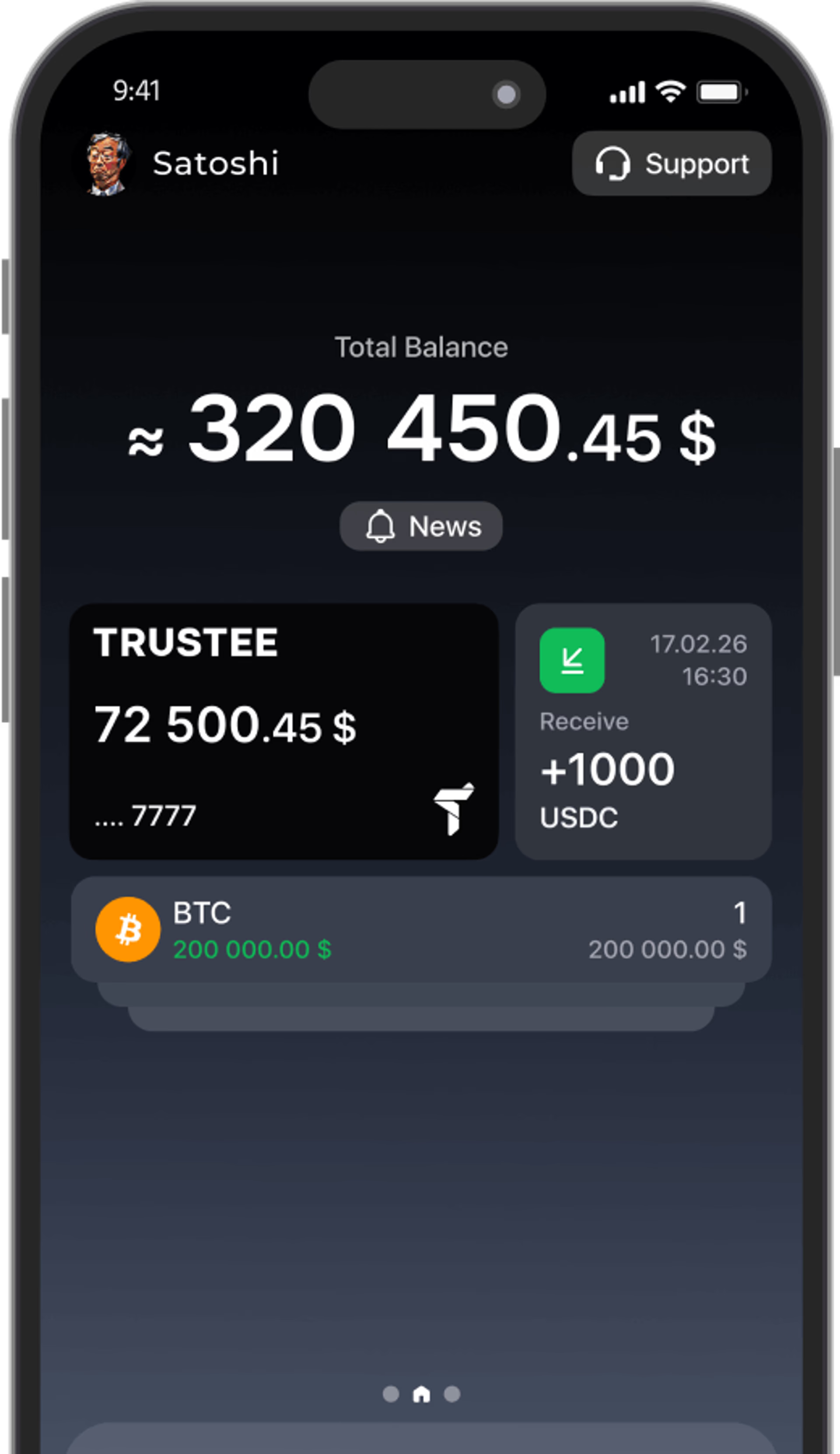
- Download the Trustee Plus app from the App Store or Google Play.
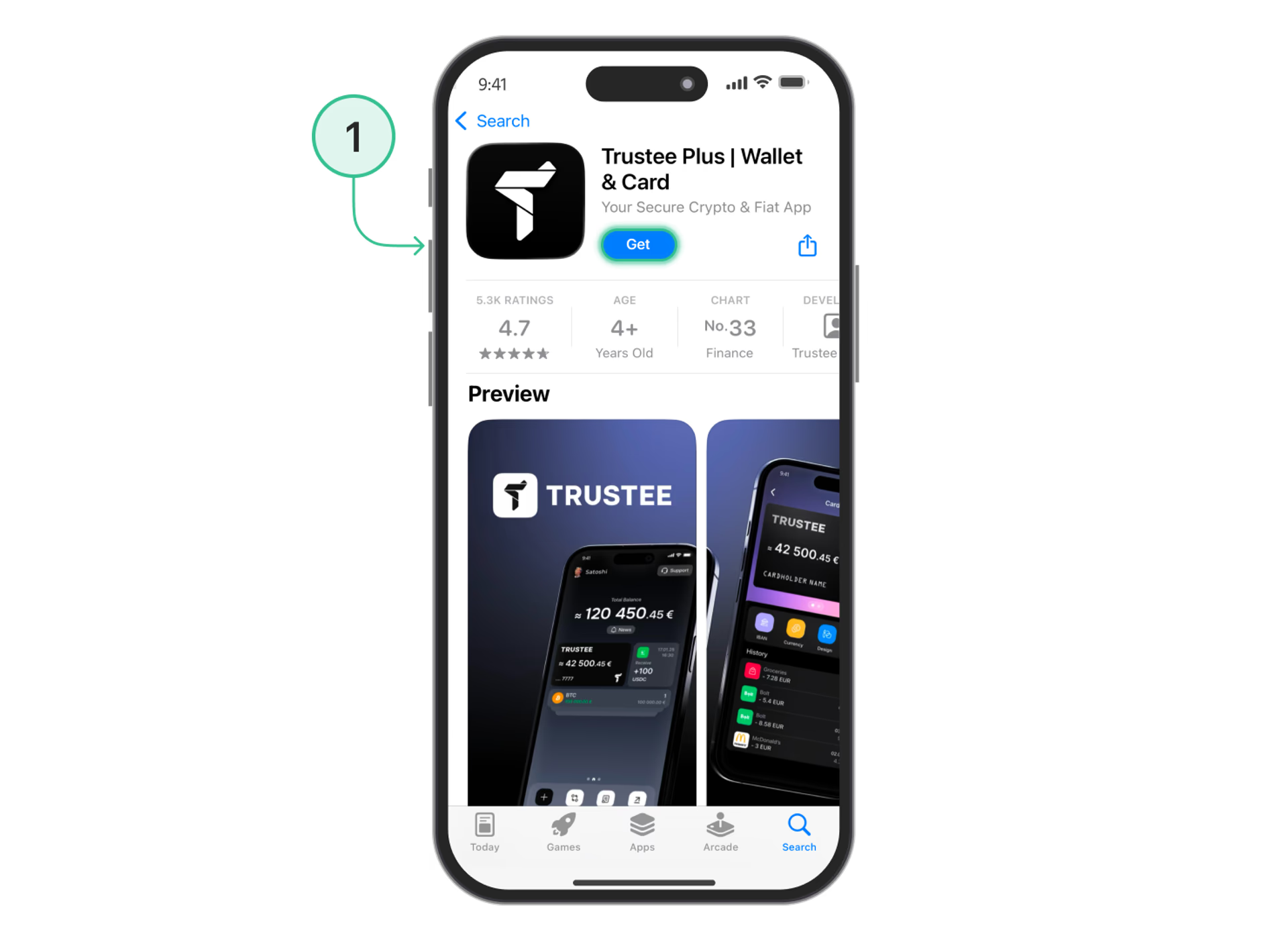
- Register using your phone number and complete quick verification (KYC).
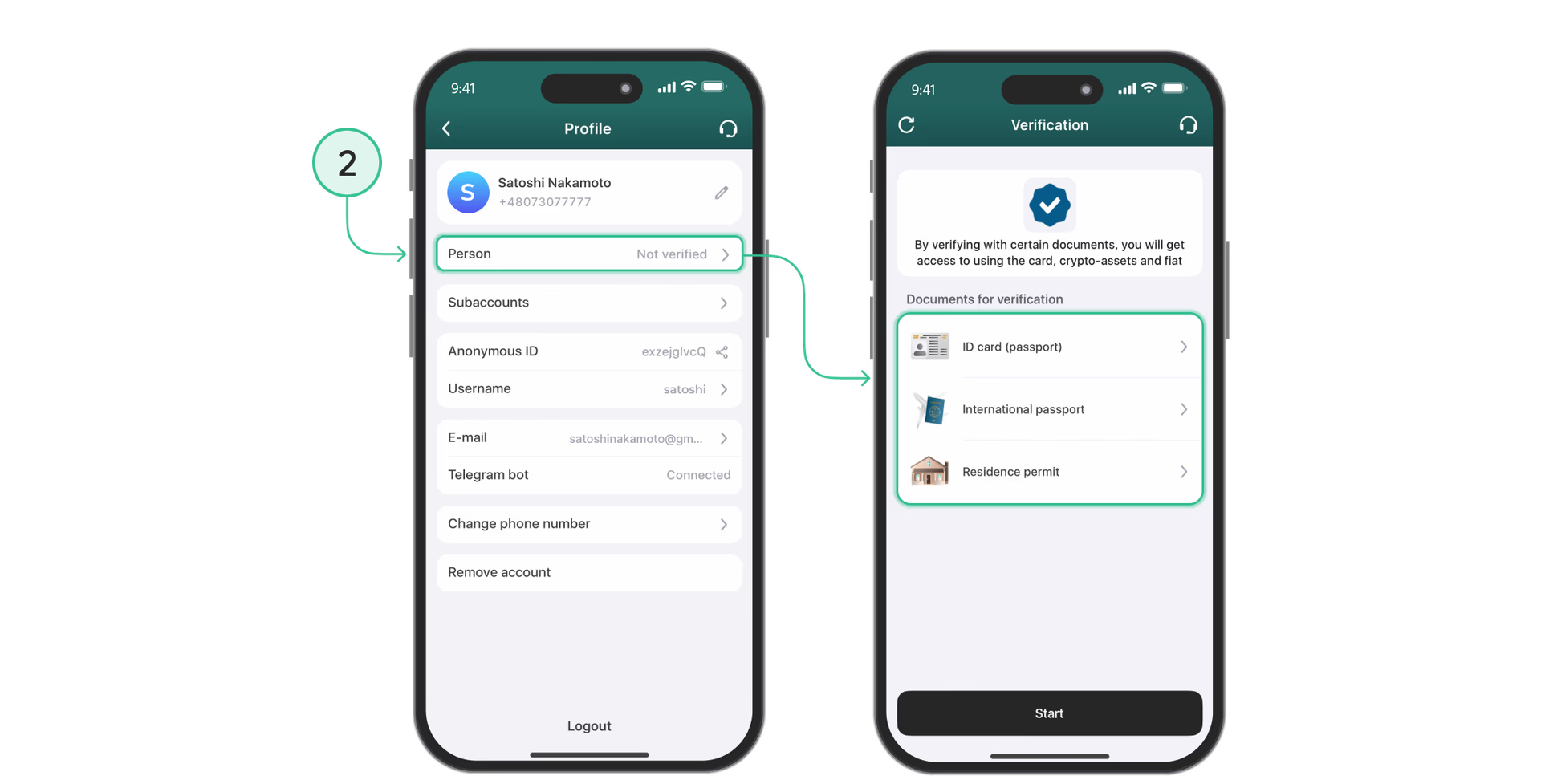
- In the “Card” section, confirm the issuance of the virtual card.
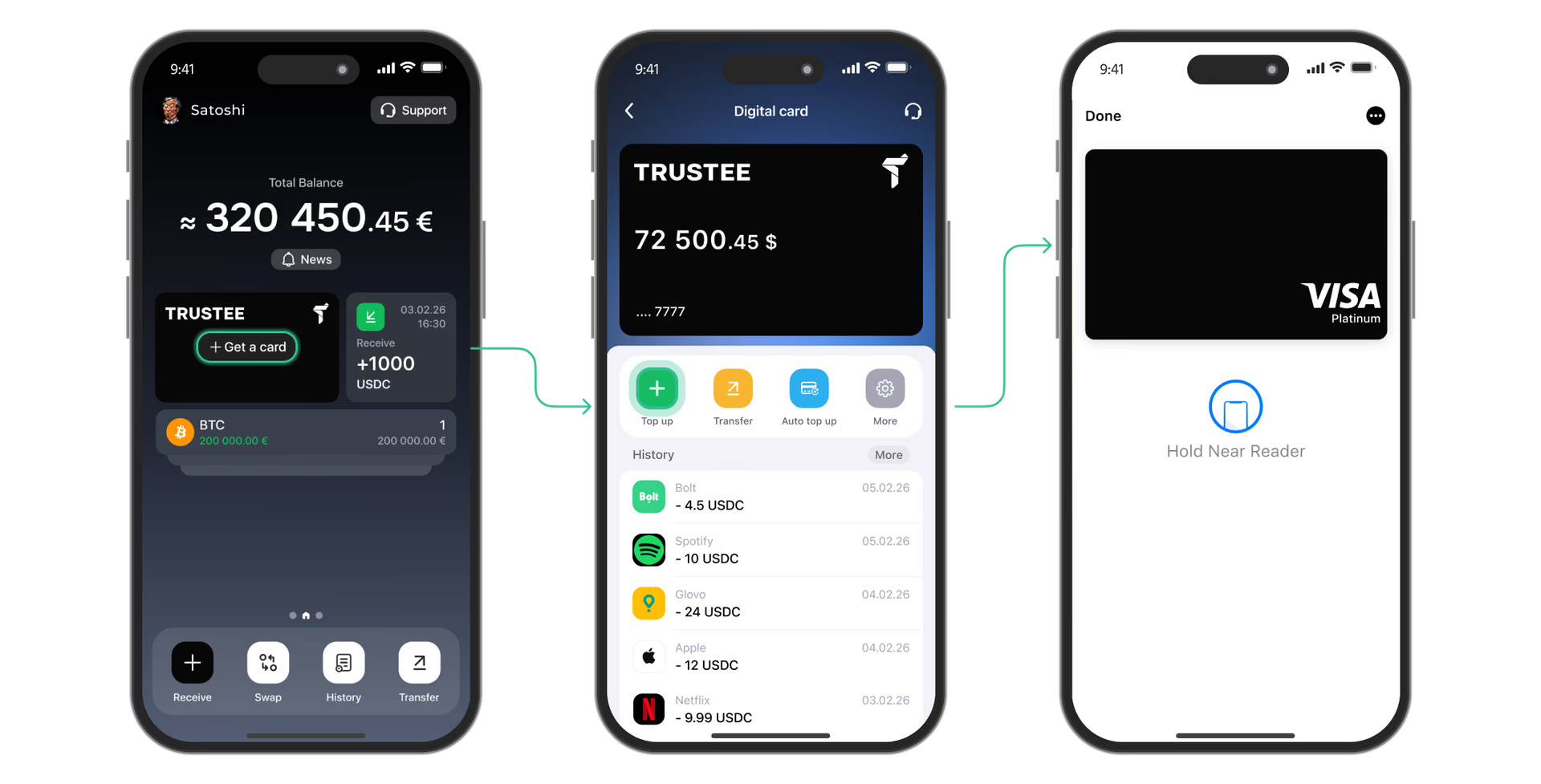
- Make sure there are enough funds on the balance for the monthly debit.
Step-by-step guide: connecting the card on the Netflix website
- Open a browser on your computer or smartphone and go to the official netflix.com website.
- Sign in to your account or start registering a new account.
- Go to the profile settings: “Account” → “Manage payment info”.
- Choose the Credit or Debit Card payment method.
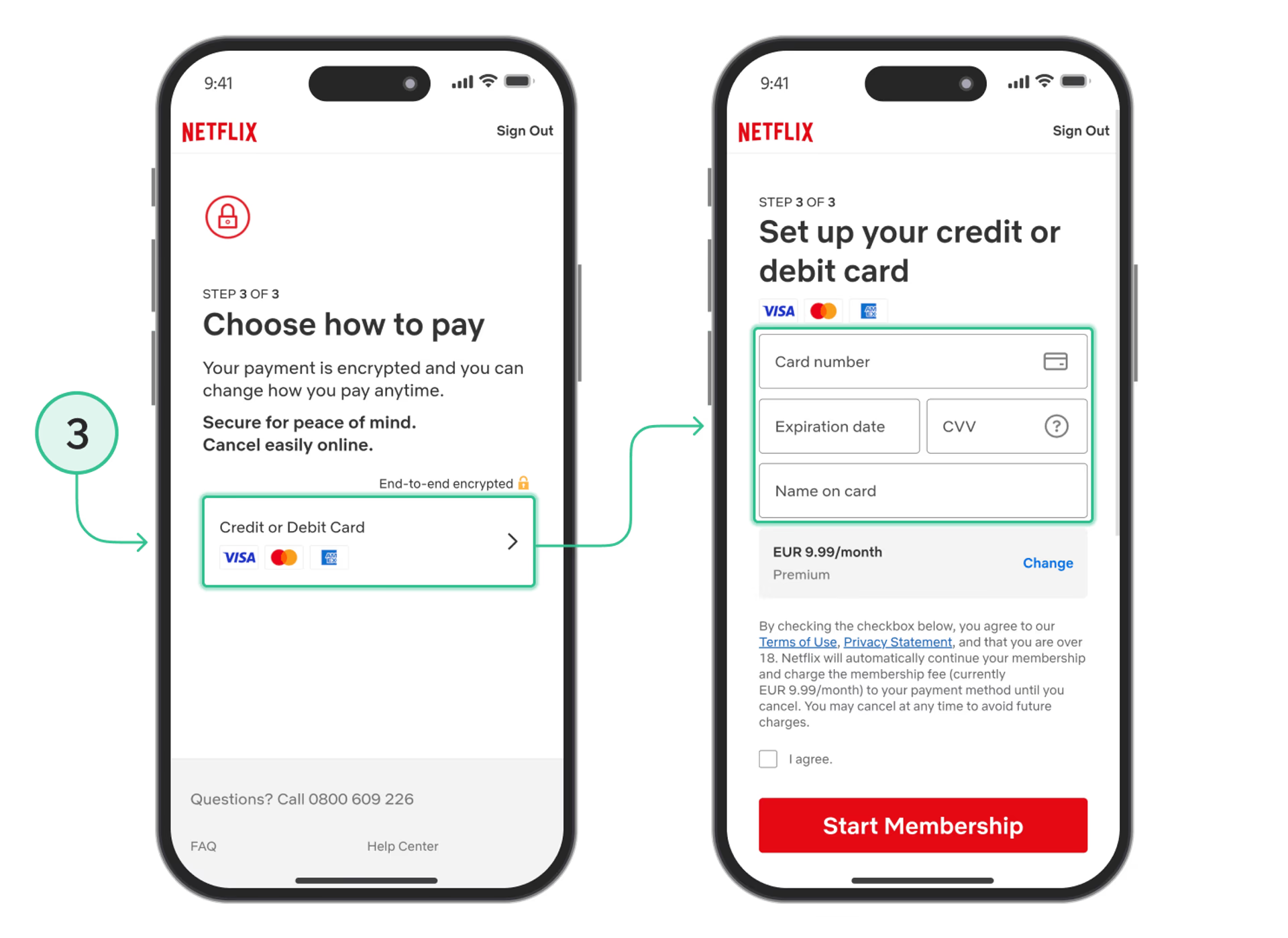
- Enter your Trustee Plus card details: card number, expiration date and CVV code, then save the changes.
- Confirm the operation.
Alternative methods
Among other options for paying for Netflix, the following can be highlighted:
- Gift cards (Netflix Gift Cards): buying promo codes with crypto on third-party services. They are often tied to a specific country and sold with the seller’s markup.
- Accounts through intermediaries: paying for access on third-party platforms, which is unsafe due to the risk of losing the account.
Conclusion
Using the Trustee Plus virtual card on the official Netflix website is a safe and convenient way to pay for streaming with cryptocurrency. You get automatic monthly subscription renewal and fair settlement terms without hidden service fees.