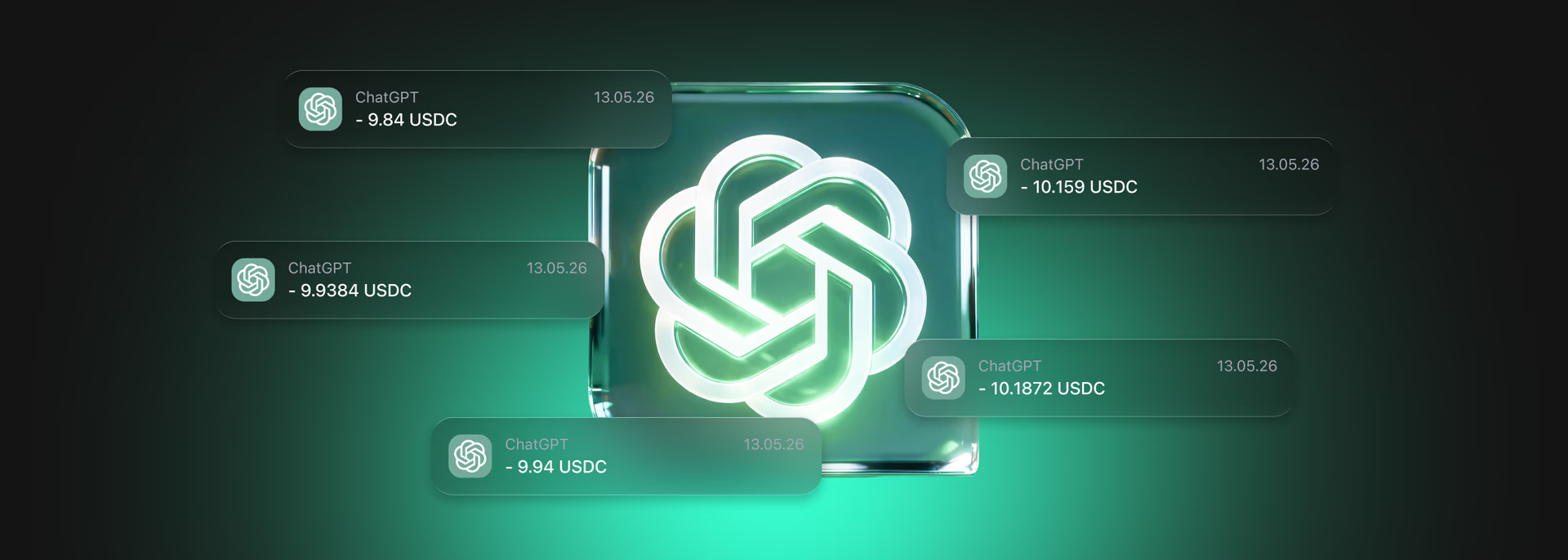


















































ChatGPT has become a popular tool for work, study, content creation, data analysis and everyday tasks. A paid ChatGPT Plus subscription opens up extended access to ChatGPT features, including more powerful models, image generation, file handling and other functions.
OpenAI does not accept Bitcoin, Ethereum, USDT or USDC directly. However, you can pay for a subscription with cryptocurrency using the Trustee Plus card.
In this article, we explain how it works.


What payment methods does OpenAI support?
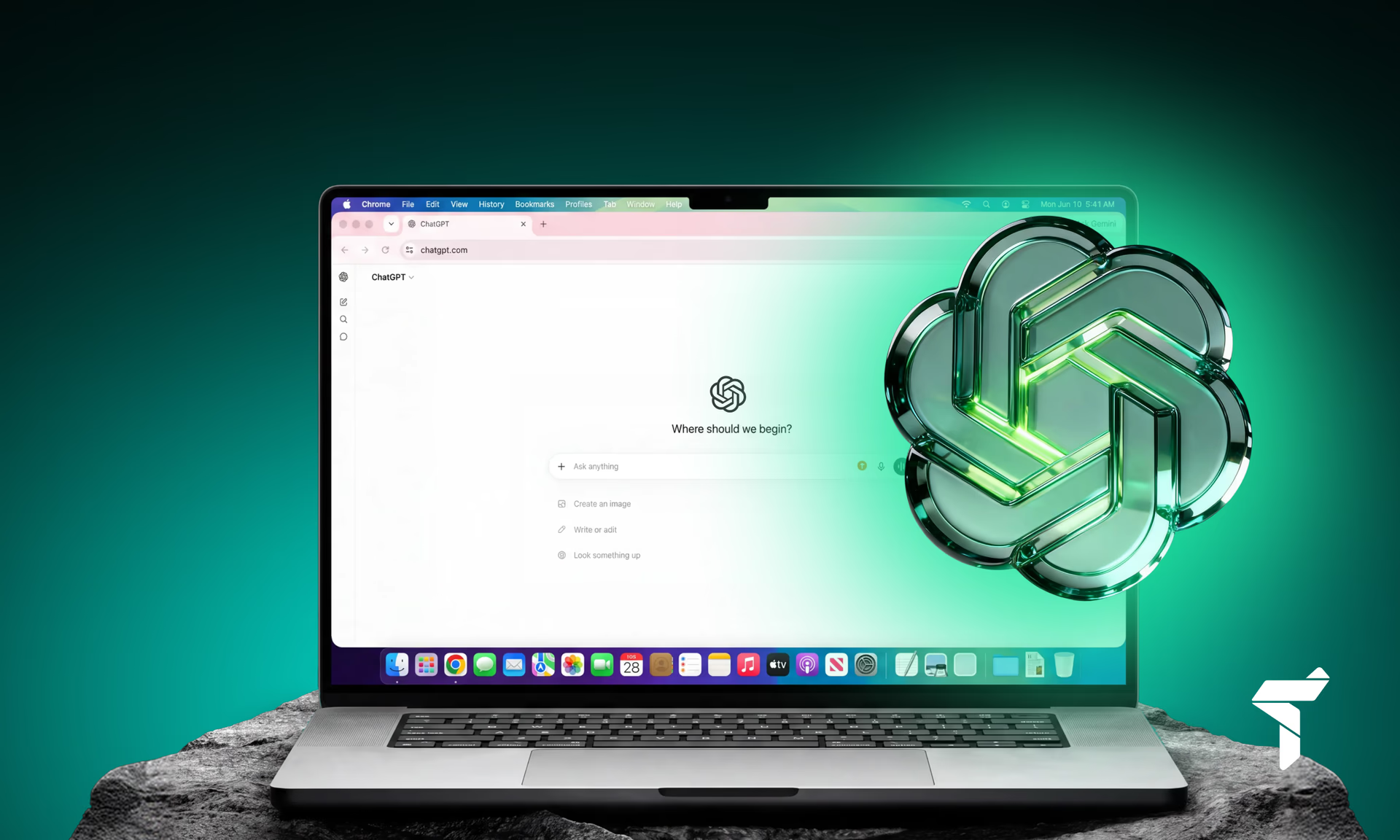
Available ChatGPT payment methods depend on the country and the platform through which the subscription is purchased. For payment on the website, you can usually use international bank cards and other payment methods available for a specific region.
However, you can use a crypto card for this. You top it up with cryptocurrency, and for OpenAI the payment is processed as a regular card transaction.
ChatGPT Plus with cryptocurrency: how it works
OpenAI officially does not accept crypto payments directly. Therefore, there is no direct “Bitcoin → ChatGPT Plus” option in the payment menu. But there is a solution: a virtual card in Trustee Plus with a balance in USDC.
The process looks like this:
- Top up your wallet in Trustee Plus with Bitcoin, Ether or another cryptocurrency.
- Convert the assets into USDC — a stablecoin pegged to the US dollar at a 1:1 ratio.
- Issue a virtual card that works like a regular bank card.
As a result, your ChatGPT Plus subscription is charged from your crypto wallet, but for the OpenAI platform it looks like a standard card payment.
How to register with Trustee Plus
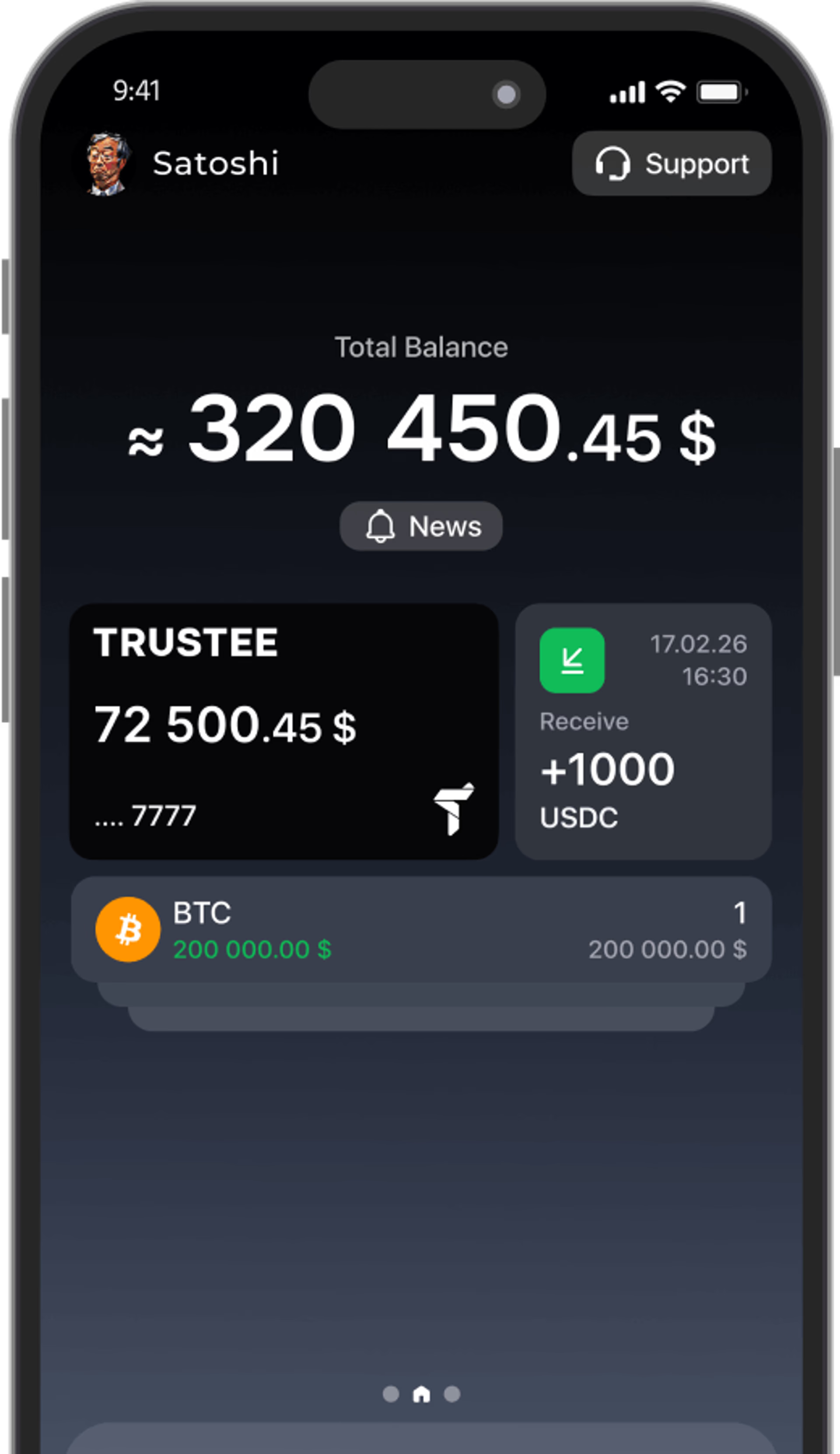
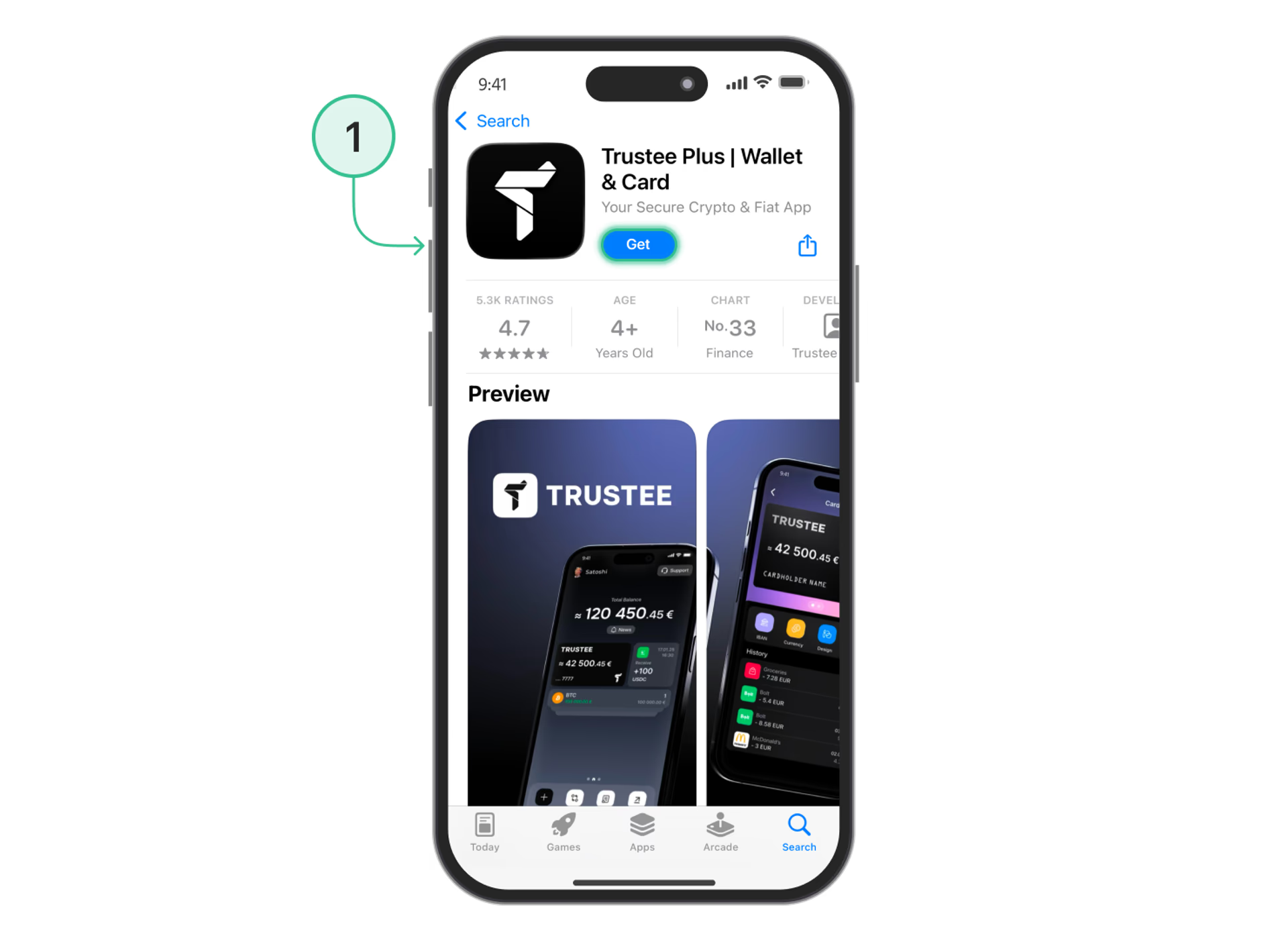
The first step toward paying for ChatGPT with cryptocurrency is creating a crypto wallet in the Trustee Plus app. This is a convenient mobile service that allows you to store digital assets and make payments. You can download the app from the App Store or Google Play.
- After installation, sign up by confirming your phone number via SMS.
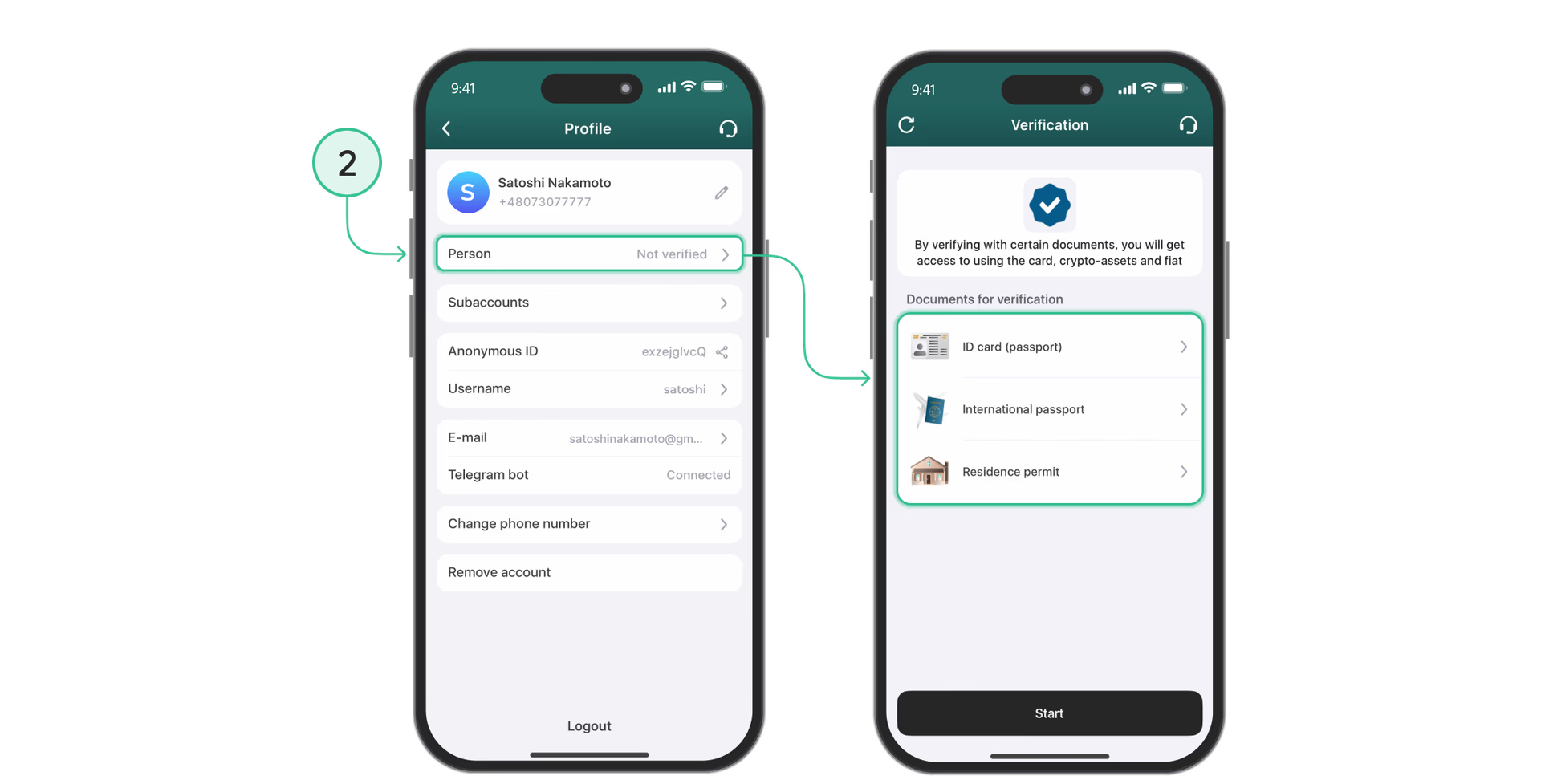
- To access card services, you need to complete verification (KYC): upload a photo of your passport or ID card and take a selfie.
- Next, you will receive a crypto wallet that supports major currencies — BTC, ETH, USDT and USDC. From this moment, you will have a full-featured tool for storing and transferring cryptocurrency, as well as the option to connect a virtual card.
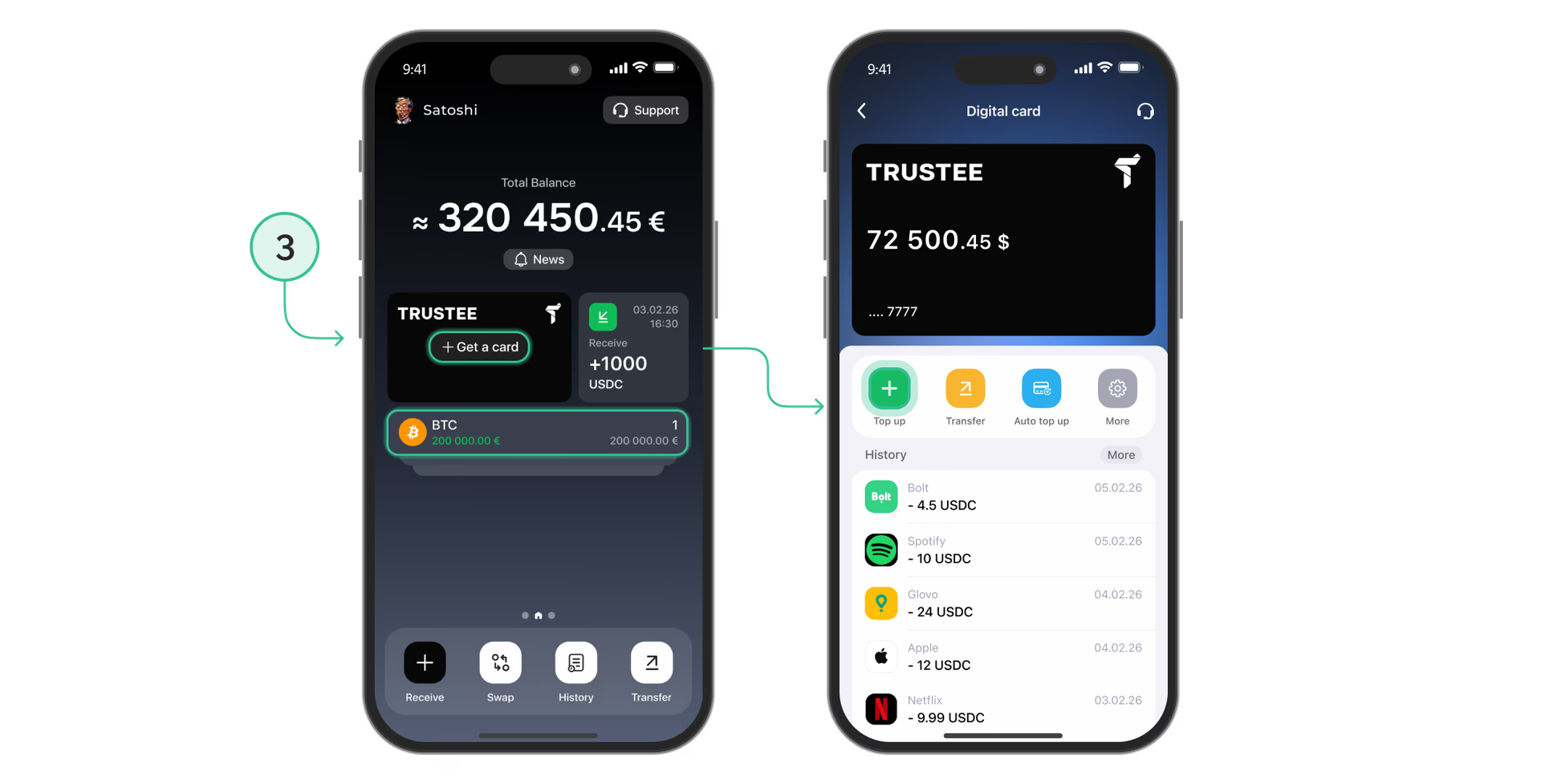
How to open a Trustee Plus crypto card
The next step is getting a virtual card that OpenAI recognizes as a regular bank card. Through the Trustee Plus app: after completing verification, simply go to the “Card” or “Issue card” section, where the system will automatically offer to issue a card.
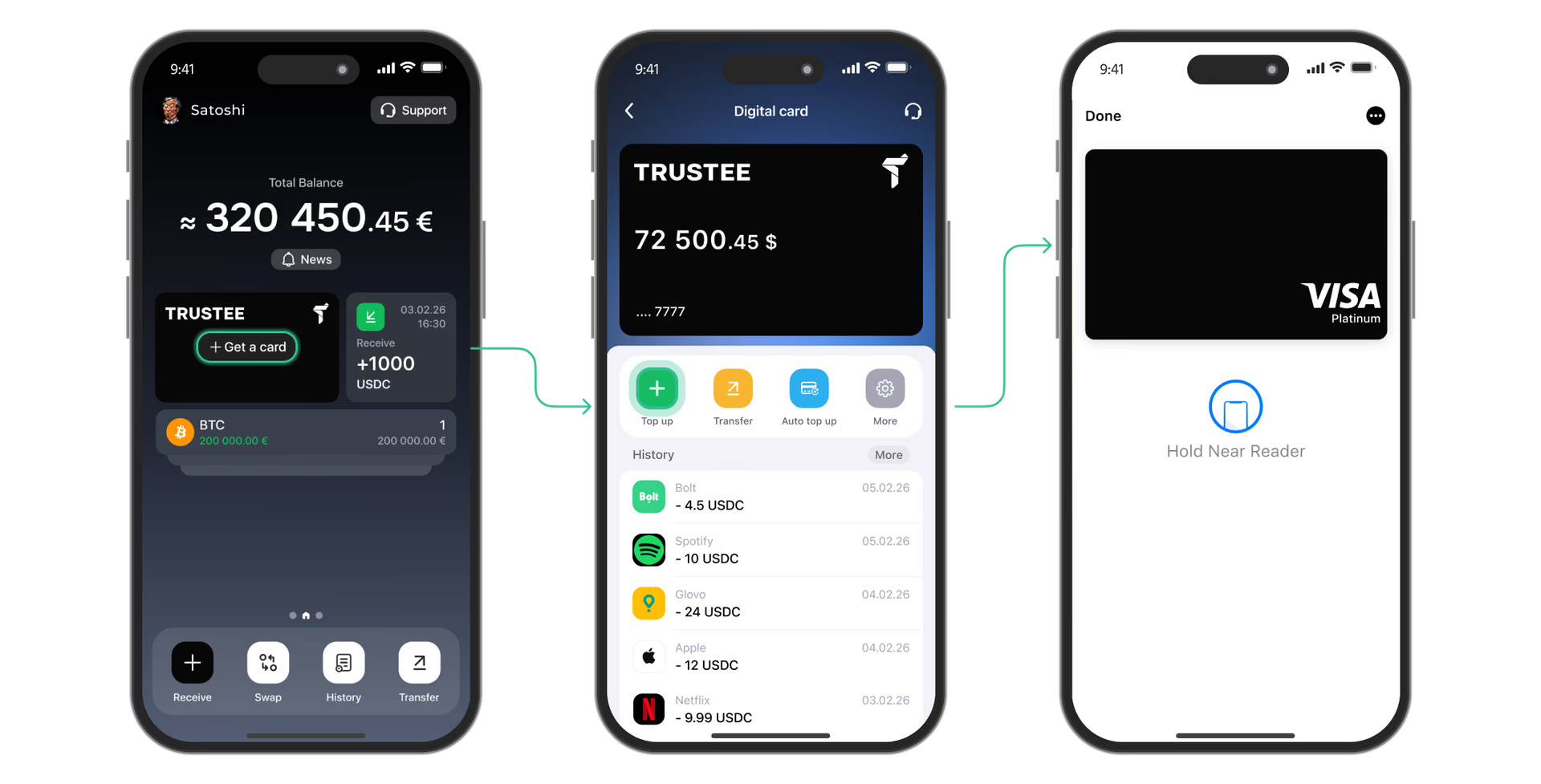
As a result, you will receive a card number, CVV and expiration date, which can be added as a payment method in your OpenAI account. In addition, the card is convenient to integrate into Apple Wallet or Google Wallet for everyday purchases.
Step-by-step guide: how to pay for ChatGPT Plus with Bitcoin or another cryptocurrency
- Top up your wallet in Trustee Plus with cryptocurrency.
- Top up the card in USDC with the amount needed for payment.
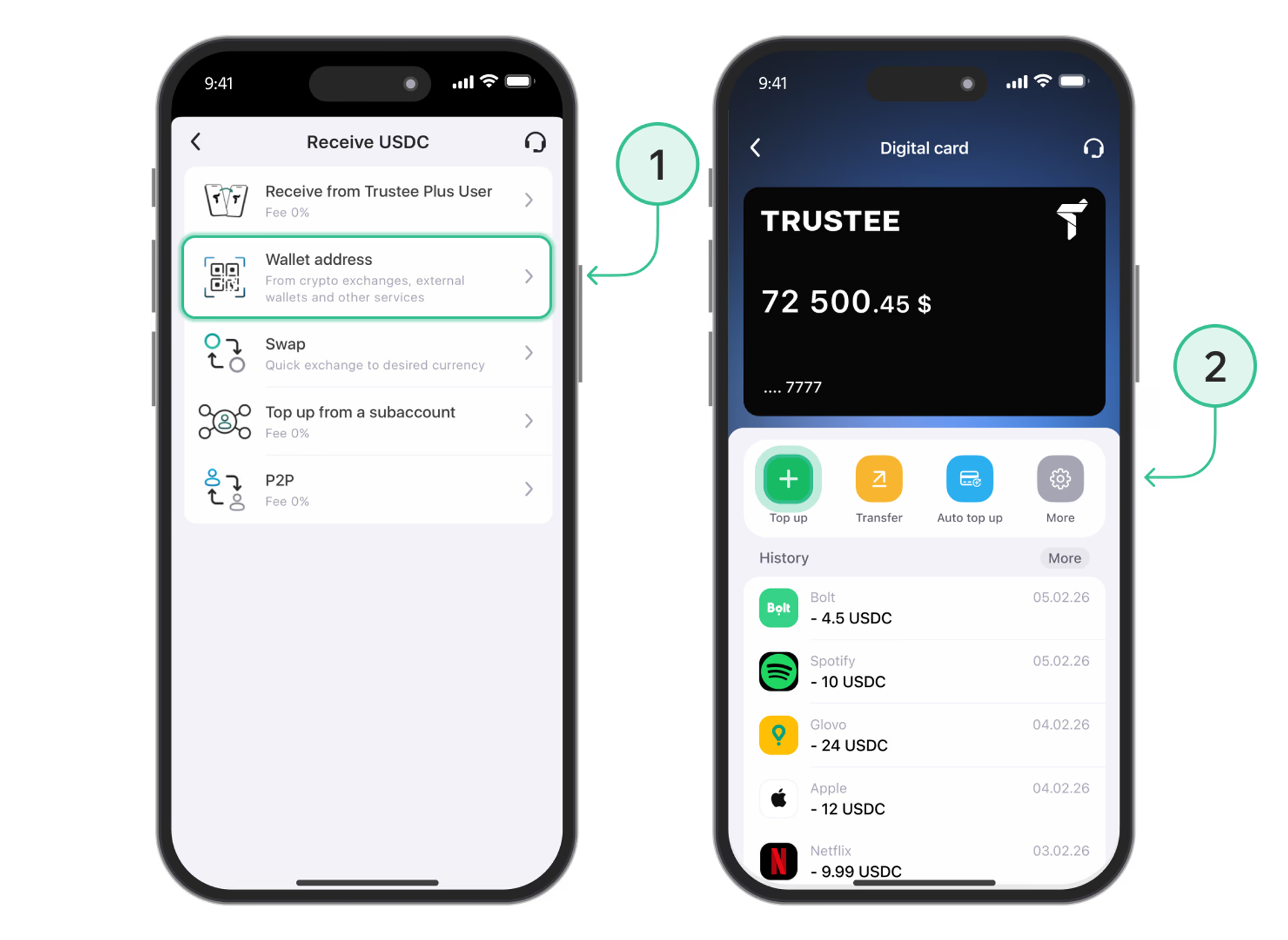
- In your ChatGPT account, click Upgrade to Plus or go to the My Plan subscription settings.
- Enter the Trustee Plus virtual card details: card number, expiration date, CVC and address in the Stripe form.
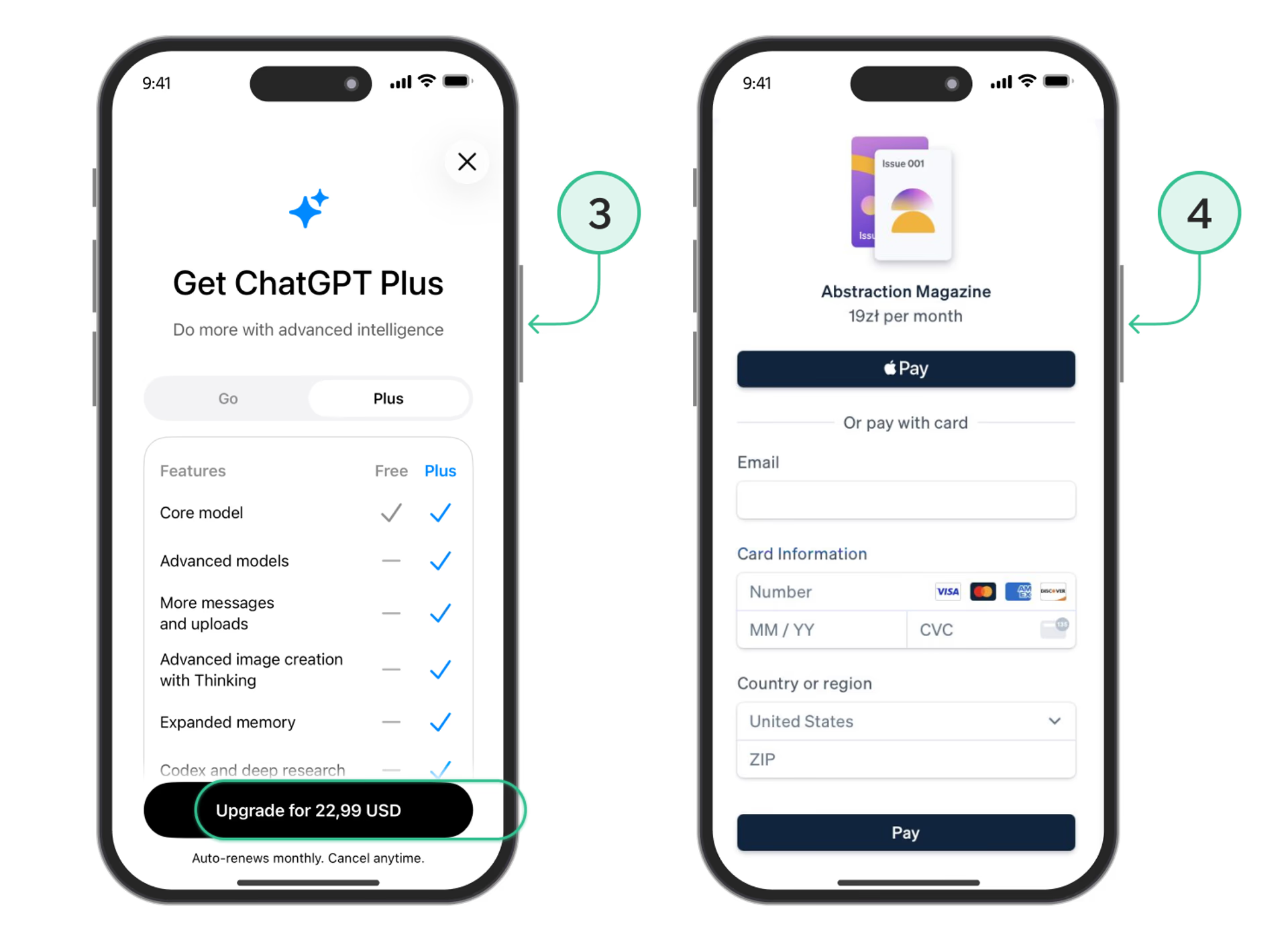
- Confirm the payment — the funds will be debited from your card automatically.
This way, you get a legal and secure way to pay for ChatGPT Plus with cryptocurrency from anywhere in the world.
Conclusion
Although OpenAI does not yet support direct acceptance of Bitcoin or Ether, it is now possible to pay for ChatGPT Plus with cryptocurrency thanks to the combination of Trustee Plus and a crypto card.
This is a simple, clear and secure way to use all the benefits of GPT-4o and advanced AI features without having to link a personal bank card, with guaranteed 1-to-1 debiting: 20 USDC = $20.