













































How to get GEMS?
Get GEMS as a welcome bonus, earn them by completing quests, or buy the amount you need in the app.
Method 1. Welcome bonus
- Create a new account in the Trustee Plus self-custody wallet.
- Receive GEMS as a welcome bonus.
Method 2. Buy GEMS
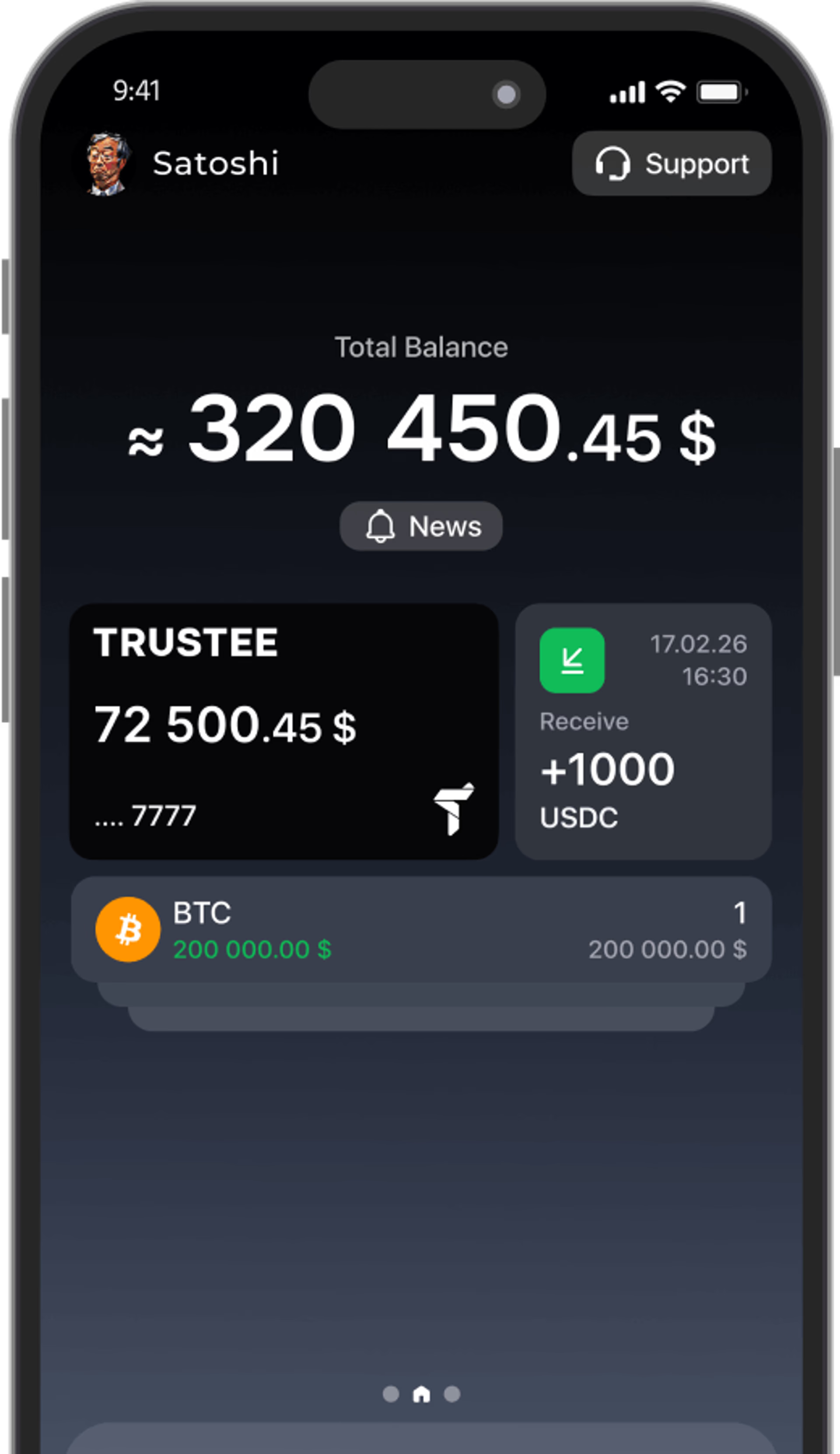
- Swipe left on the home screen
This opens the Widgets screen. - Tap the GEMS widget.
Look for the card showing your GEMS balance.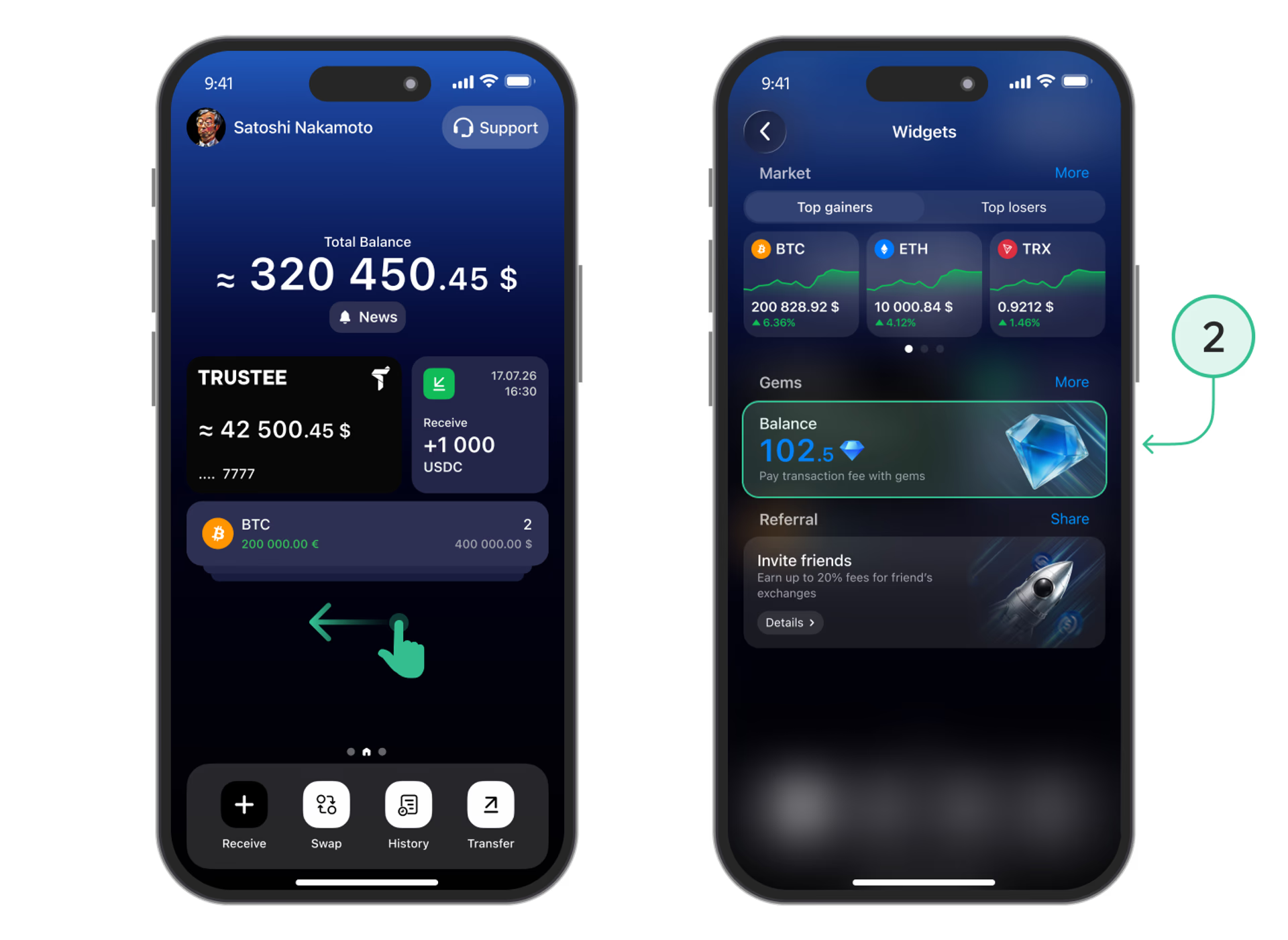
- Choose a currency to pay with.
Tap “Select currency” and select the asset you want to use. - Enter the amount of GEMS and tap “Buy”.
Enter the amount you need or choose one of the preset options. Check the payment amount and complete your purchase — the GEMS will be added to your balance.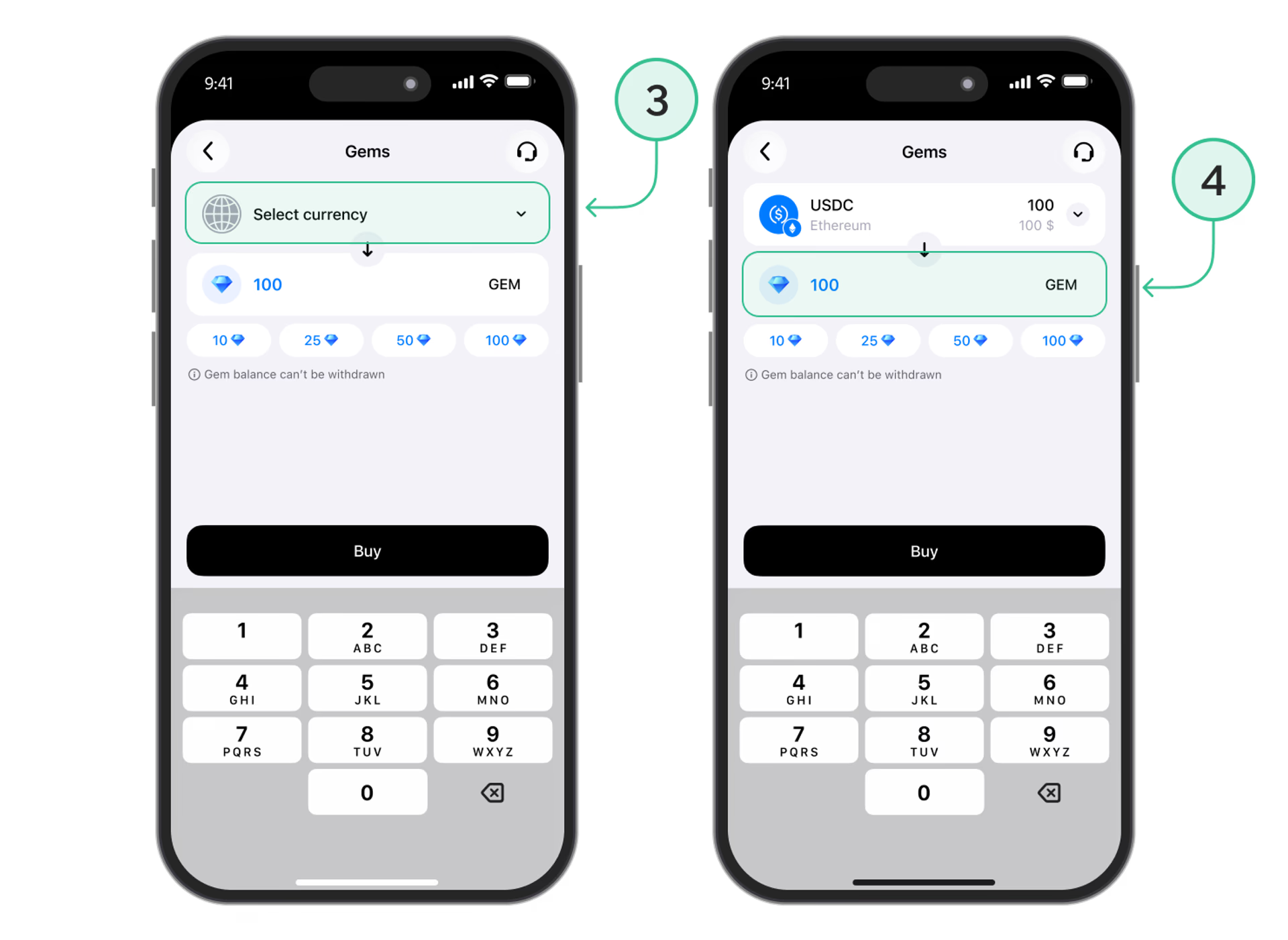
Install Trustee Plus - a crypto wallet with payment card!
All the benefits in one app



This website uses cookiesIn order to ensure the functionality of the Website and to prepare a statistical analysis of the website visitors' navigation methods, we use cookies. Manage preferences